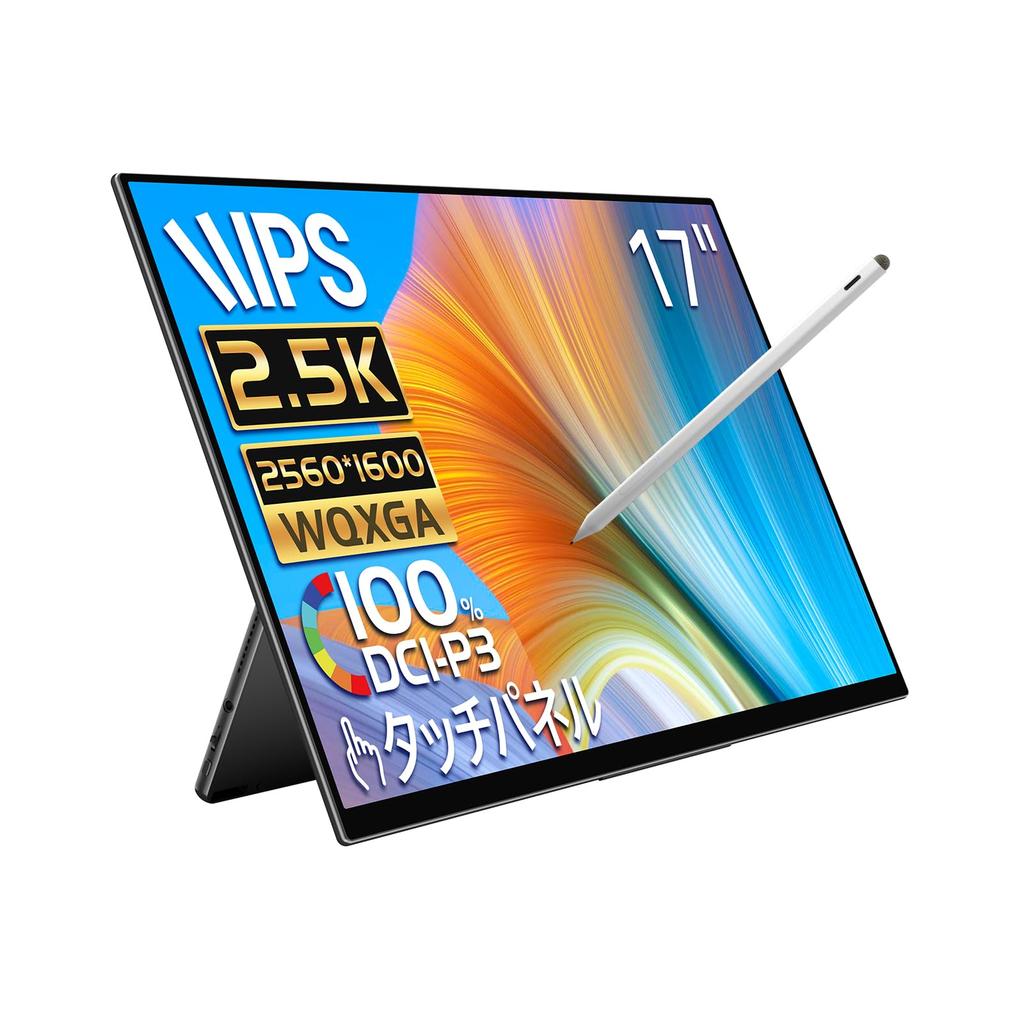
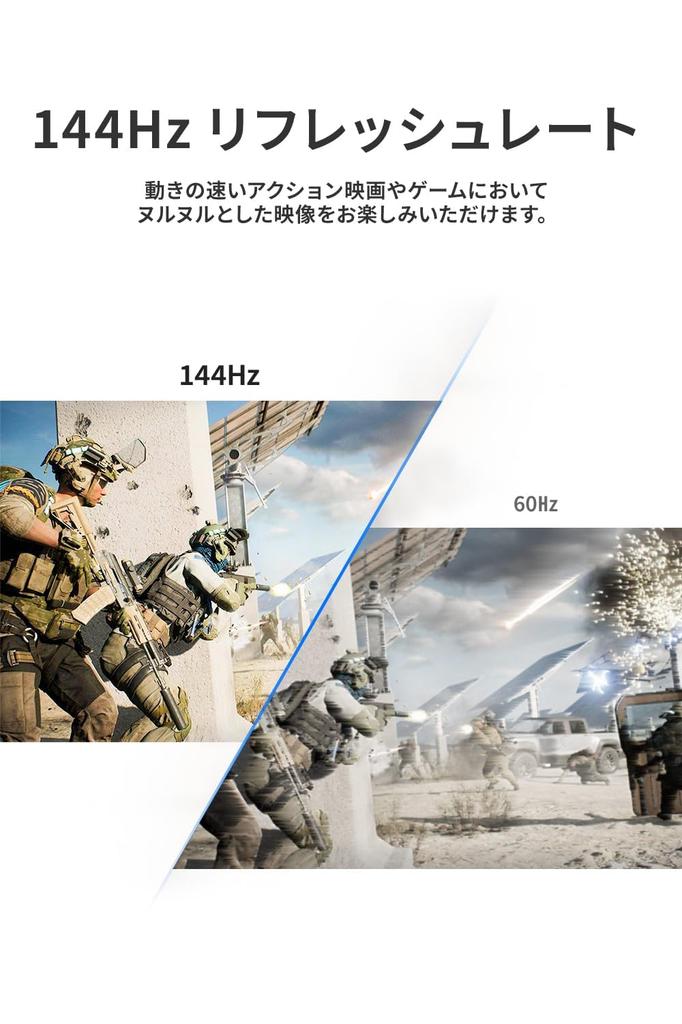
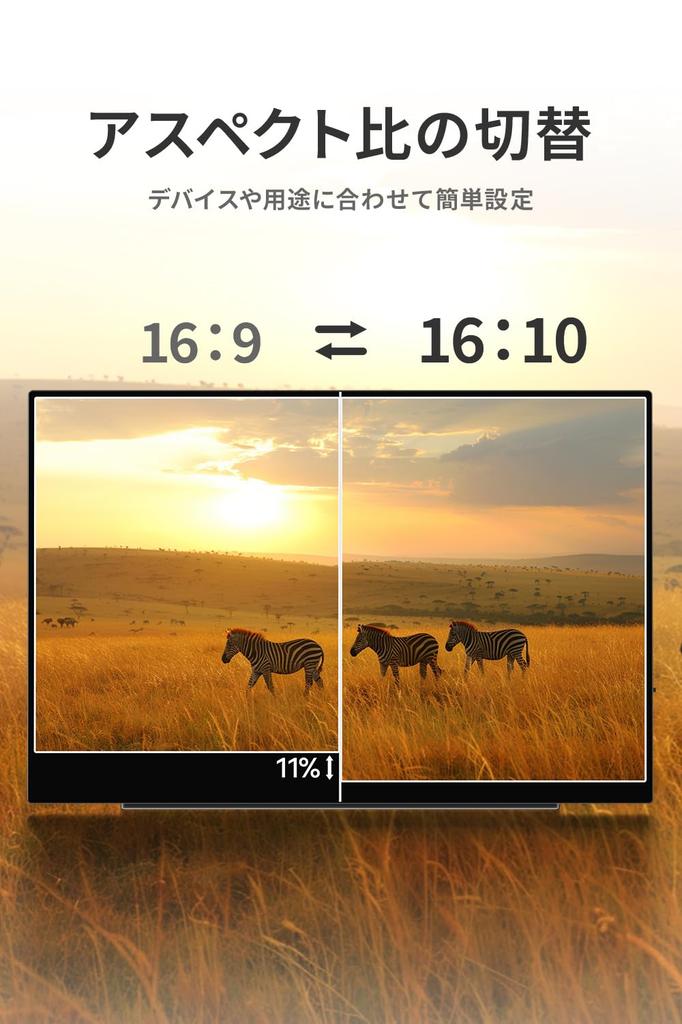
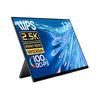
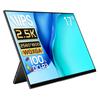
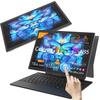
✅ [Quantum Dot 2.5K High Resolution and Large 16:10 Aspect Ratio Screen] Enjoy powerful, high-quality images on this large 17-inch quantum dot LED mobile display. Its native resolution is (2560 x 1600). Quantum dot technology converts wavelengths, resulting in richer, sharper color reproduction and lower power consumption than conventional LCD displays. This size is highly recommended for those who find a 16:9 aspect ratio monitor too small. The large screen eliminates the need for scrolling, allowing you to work with a web browser and other applications simultaneously, or open multiple folder windows side-by-side and use drag-and-drop to copy and move files. The LCD IPS panel ensures beautiful, clear images from any angle with a 178° viewing angle, with no change in brightness. Its response time is incredibly fast, with a 1ms response time and a 144Hz refresh rate. It's perfect for streamlining all your work, especially in today's business world, where teleworking is becoming more popular.
✅ [Includes stylus-compatible touchscreen and other exciting features!] An industry first! The built-in touchscreen supports stylus touch, allowing you to use it like a pen tablet. Use it right away with the included stylus. It also supports finger touch, allowing you to operate it just like a smartphone. It's compatible with Windows and Android, and unlike other touch monitors, it's also compatible with macOS. Note: Due to device specifications, pen pressure detection is not possible on MacBook devices. Touchscreen support is not available for Nintendo Switch, PS5, other game consoles, or iOS. Built-in dual speakers deliver 3D sound, allowing you to sense the direction and distance of sound. HDR mode expands the brightness range for more natural and realistic images. Other controls, such as brightness adjustment, blue light filter, and language settings, can be easily controlled with the touch of a button.
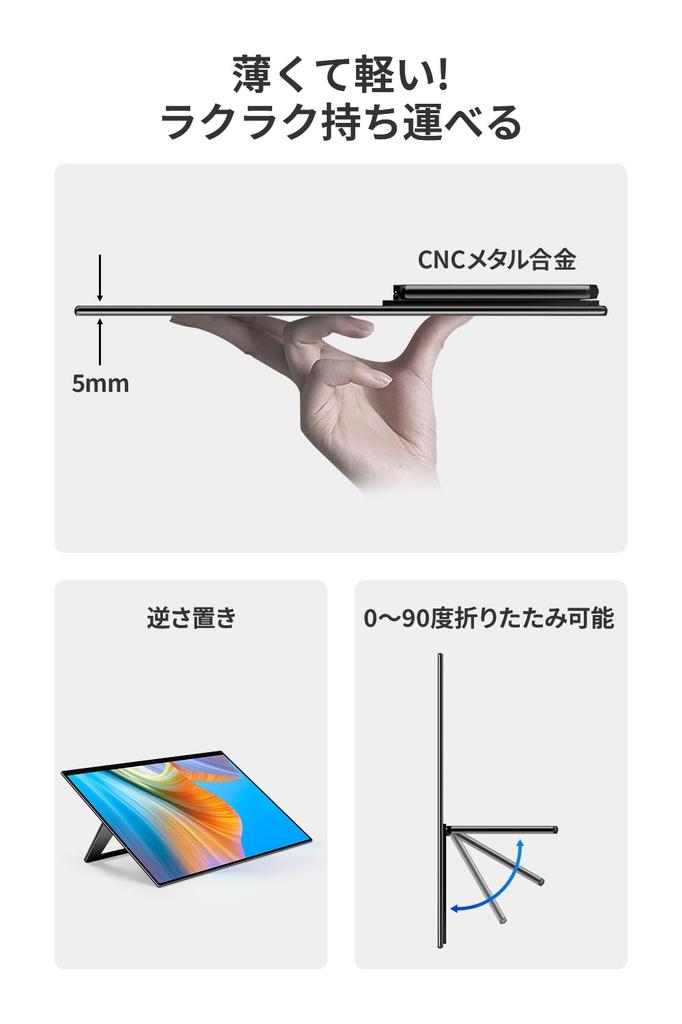
✅ [Lightweight, Thin, and Easy to Use Design!] With a compact design that's just 5mm thin at its thinnest point and weighing just 1150g, it's portable, just like carrying an A4 notebook. Connect to your device with the included cable, no matter where you're working. (Note: A separate power supply may be required depending on the device.) Carry it in your bag or handheld. Easily transport it to the office, cafe, or travel destination, it's comfortable to use in any situation. It's sure to help you achieve your ideal lifestyle. The body is made of high-quality, durable CNC metal.
✅ [Convenient Stand & Compatible with Many Devices] The foldable stand with input/output ports is directly connected to the monitor. The exquisitely designed mount is neither too tight nor too loose, allowing for smooth angle adjustment and easy setup. The internal connection ports allow for neat cable management and support for vertical placement. Devices that support Alt mode (Thunderbird 3 standard) can be powered and output video with a single Type-C cable. This model is compatible with a wide range of devices, including Windows-based PCs, Macs such as MacBook Pro and MacBook Air, iPhones and Android smartphones, PS4, PS5, Xbox, Nintendo Switch, and Raspberry Pi, and can also be used as a gaming monitor.
✅ [Accessories & Support] Monitor case, manual, three cables (Type-C/mini HDMI/USB Type-A), touch pen, and protective film. A 3-year manufacturer's warranty is included with your purchase. [Troubleshooting] Q1. The screen is blank, flashing, or flickering. A1. Supply a 15W or higher power supply to the monitor. Then connect the HDMI cable. If connecting to a PC with a single Type-C cable, connect to the Type-C port at the back. Q2. The touch function does not work. A2. To use the touch panel with a single Type-C cable, the connected device must be Alt mode (Thunderbolt 3) or higher. If not supported, connect both the HDMI cable and the Type-A cable at the same time. This may not apply to game consoles, iPhones, iPads, and some smartphones due to their specifications. Q3. Touch operation is misaligned. A3. After connecting the monitor to your PC, adjust the touch position by going to "Control Panel (Hardware and Sound)" -> "Tablet PC Settings."
17-inch mobile display.