NOTE:
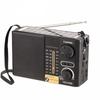
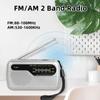
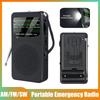
The standard version is sent by default. The standard is FM 87-108Mhz, AM 520-1610Khz, if you need FM 76-108MHz, FM 530-1710Khz, please leave a message. (Usually Japan or parts of Brazil)
Features
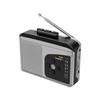
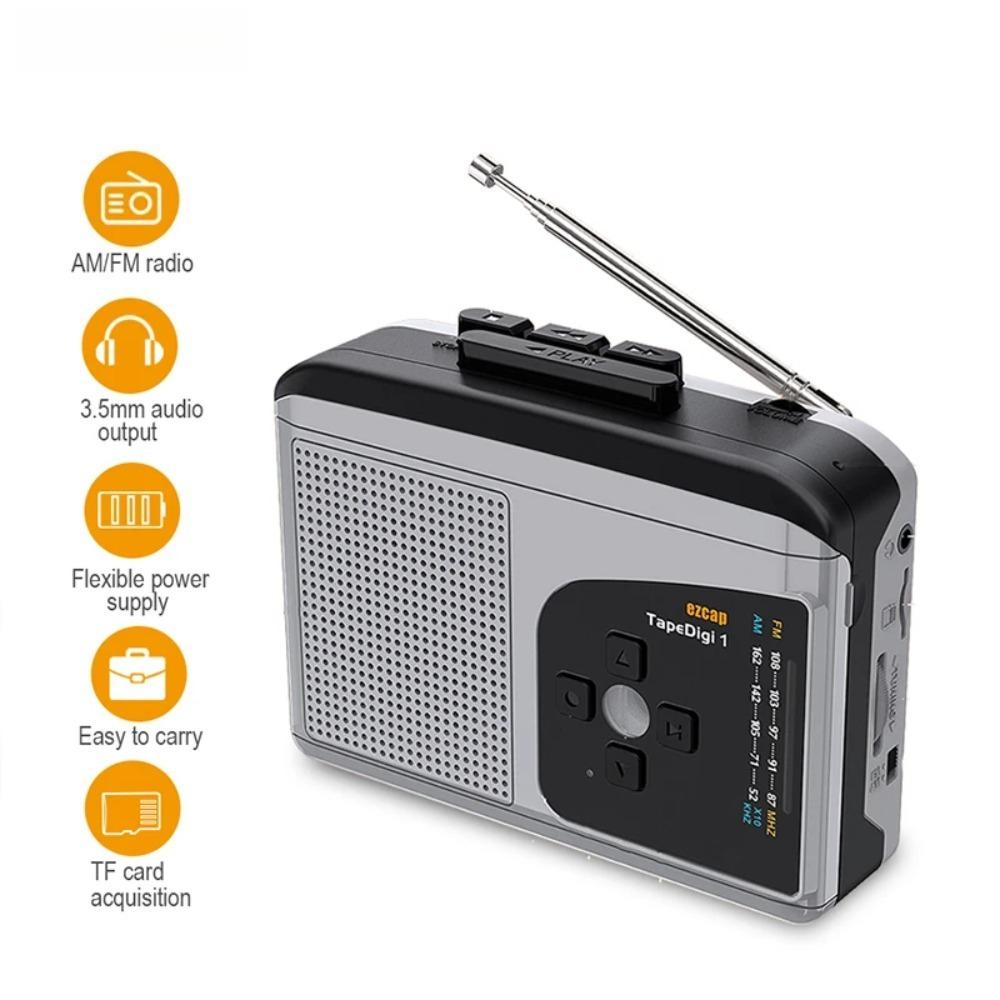
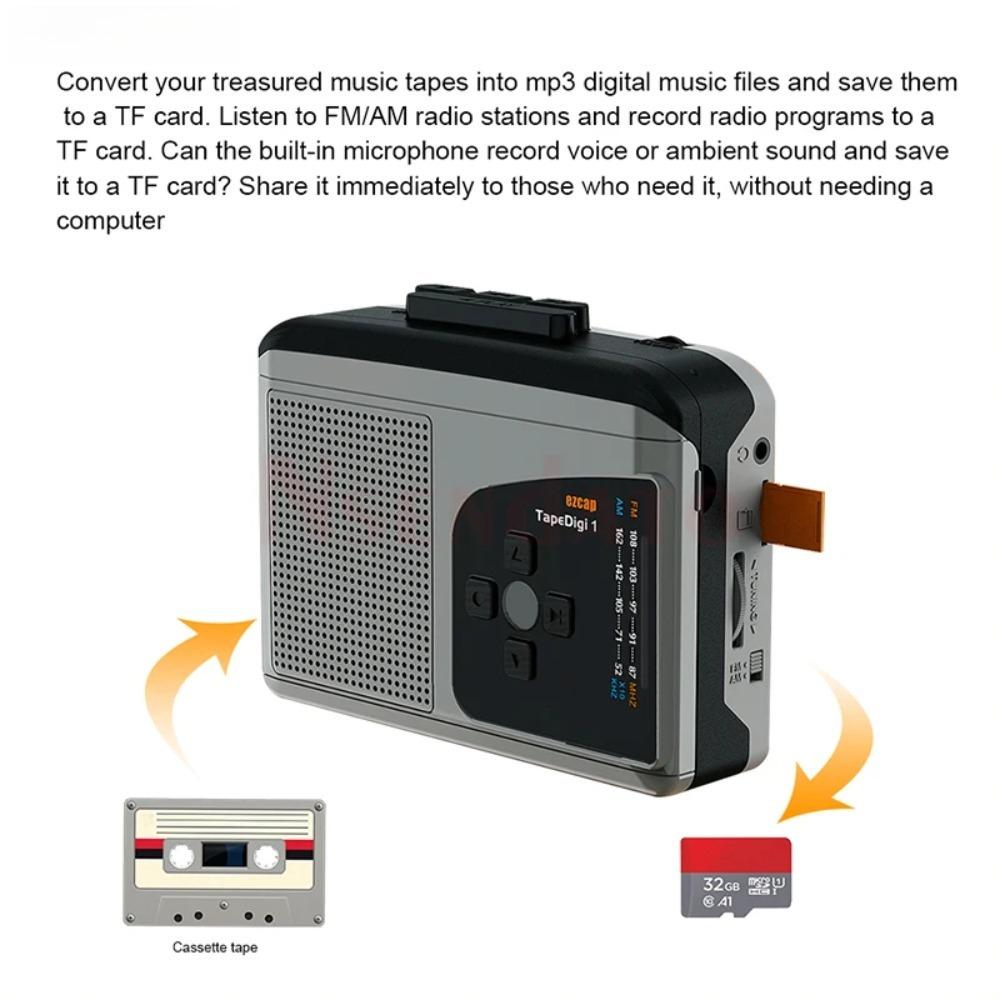
Converts your precious cassette collection to MP3,save in Micro SD card,no computer required.
Converts full tape music to MP3 files by auto partition each songs.
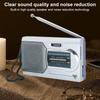
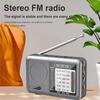
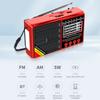
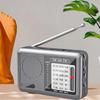
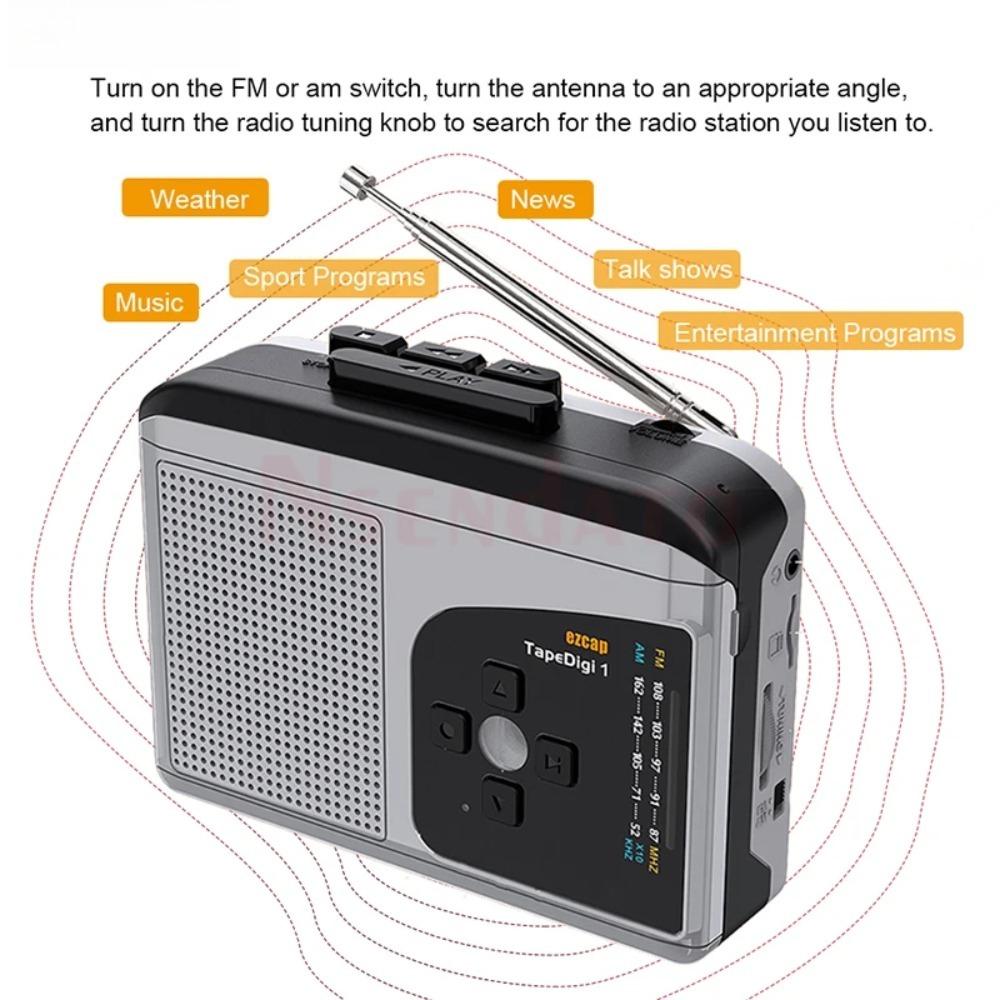
Listen to FM/AM radio,and record radio to MP3 into Micro SD card.
Microphone inside,can record voice and save in Micro SD card.
With Playback,can check the recorded music on device directly.
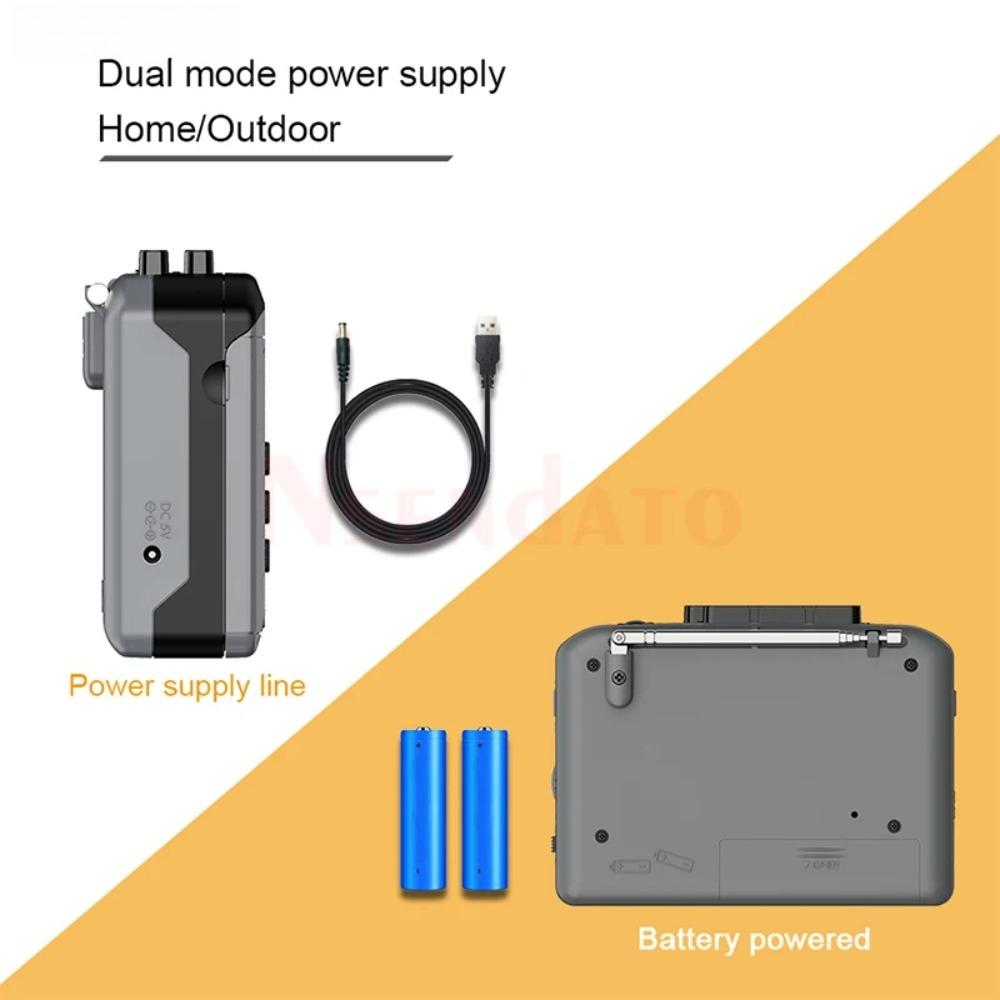
Flexible battery or USB-powered operation.
Compact and portable design.
Speaker inside.
Can be used as cassette player.
Specifications
Host Interface:Micro SD card
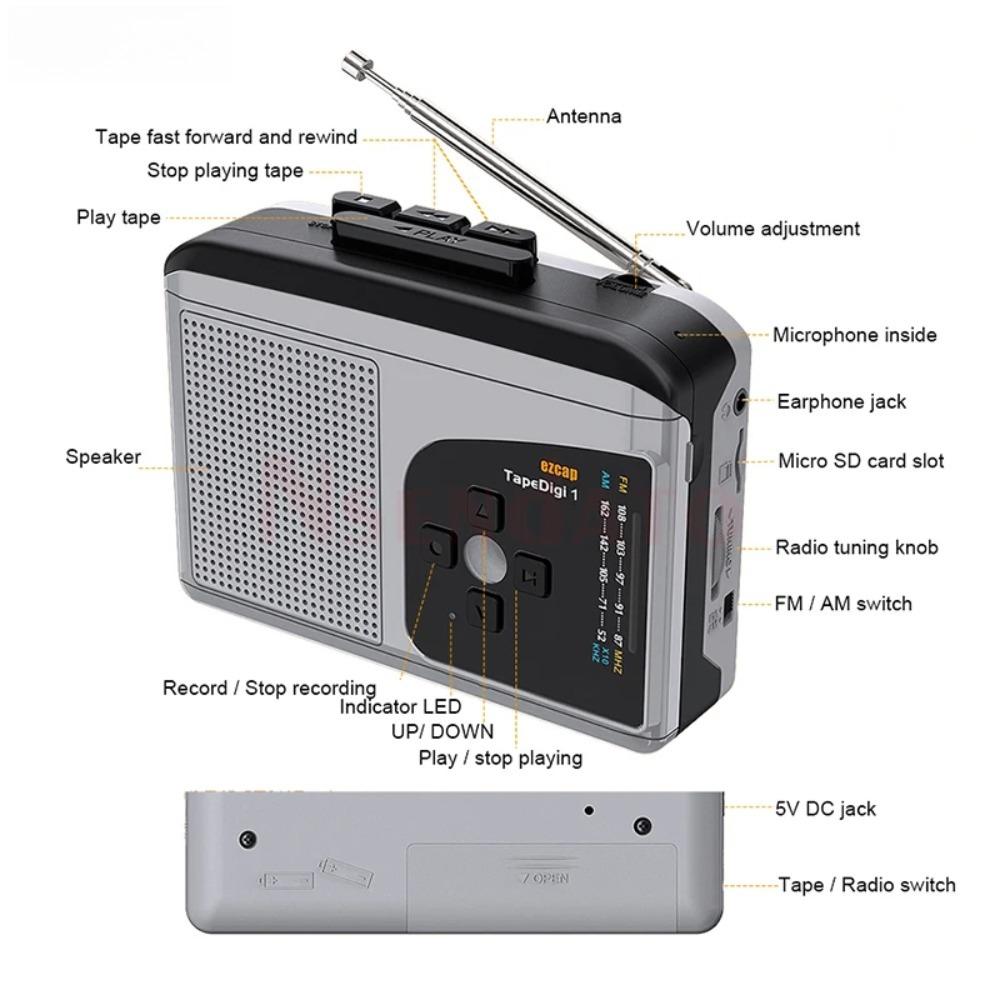
Audio Input:Cassette Slot,Microphone inside
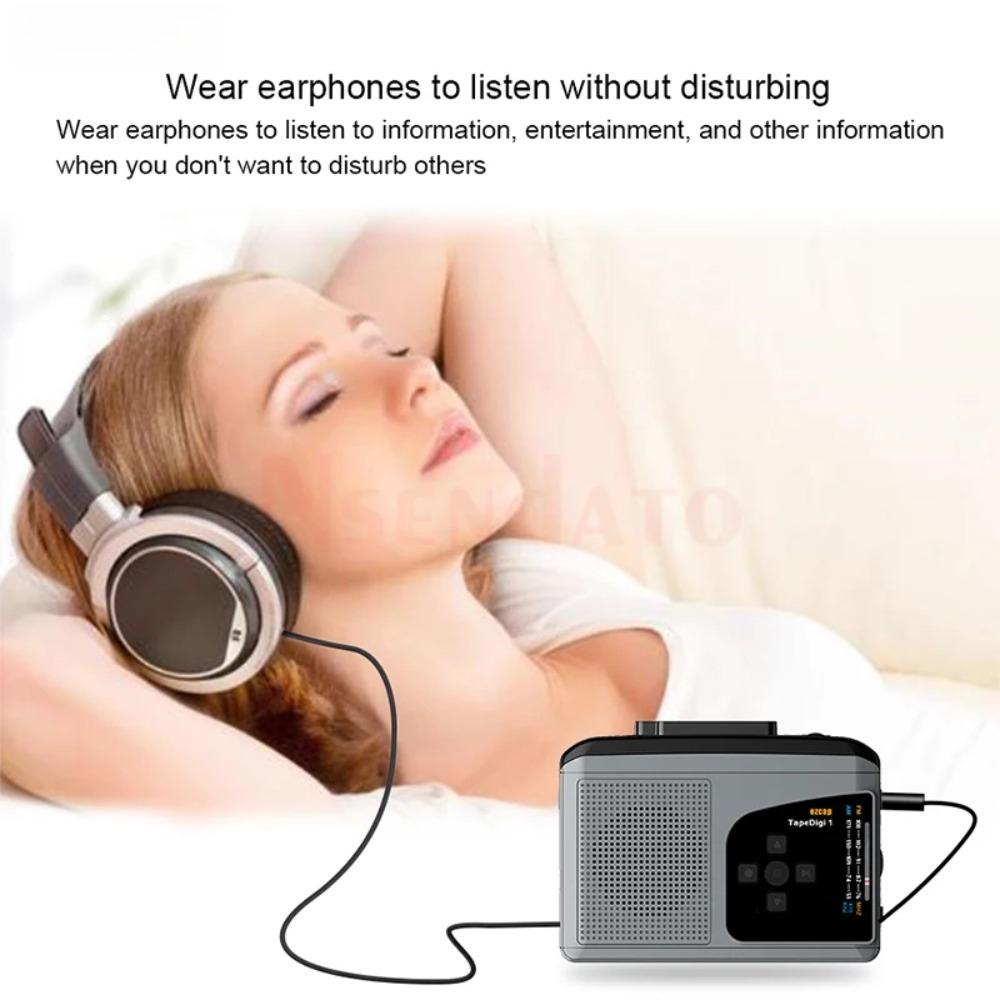
Audio Output:Earphone(3.5mm stereo jack, as earphone port),Speaker
FM:87-108MHz,AM:520-1610KHz
User Interface:REC and other buttons,Tape/Radio switcher,FM/AM switcher,Radio tuning knob,Volume control knob,LED indicator
Storage Device:Micro SD card, max 32GB
Recording Information:mp3, 128Kbps
Power Supply:2 x AA battery(Not included)or DC 5V power
Speaker:1W
Package Contents:
1xEzcap234 Cassette Player,
1xUSB Pwoer cable,
1xManual
NOTE:
1,Please don't use batteries and power supply adapter at the same time. Please remove the batteries when using power adapter. Always remove the Micro SD card when you are not using the device, and it is also recommended to remove the battery
2,Please don’t play tape when you play the recorded mp3 files.
3,Cannot boot Please check if the battery is charged or the power adapter is properly connected.
4,No sound Please check whether the volume knob is at the minimum volume.
5,No radio program or unclear.Please confirm whether there is radio signal or strong interference at your location. Buildings with concrete structures, electromagnetic signals, operating electrical equipment, etc. will cause shielding or interference to the radio signal.
6,Cannot record Please confirm format and space of the Micro SD card according to the specifications.
7,Recorded mp3 files The device will playback the mp3 file the last one you recorded. Please use UP or DOWN button to select the file you want to play
8,For Japanese customers: please leave us a message after purchase. Because the frequency of radio in Japan is different from other countries. Our regular version cannot be used in Japan.


 No-delivery refund