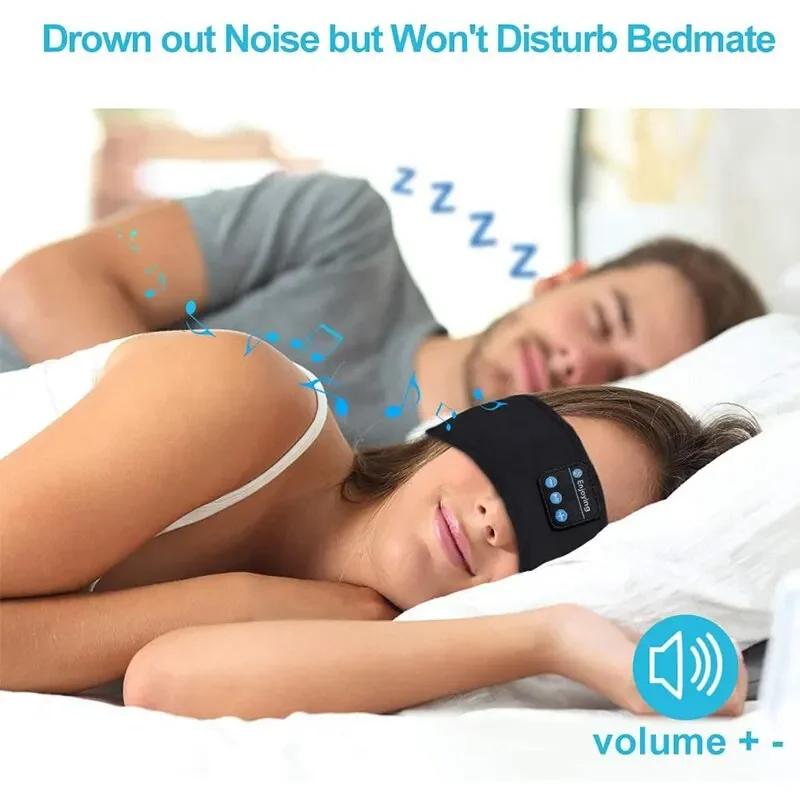
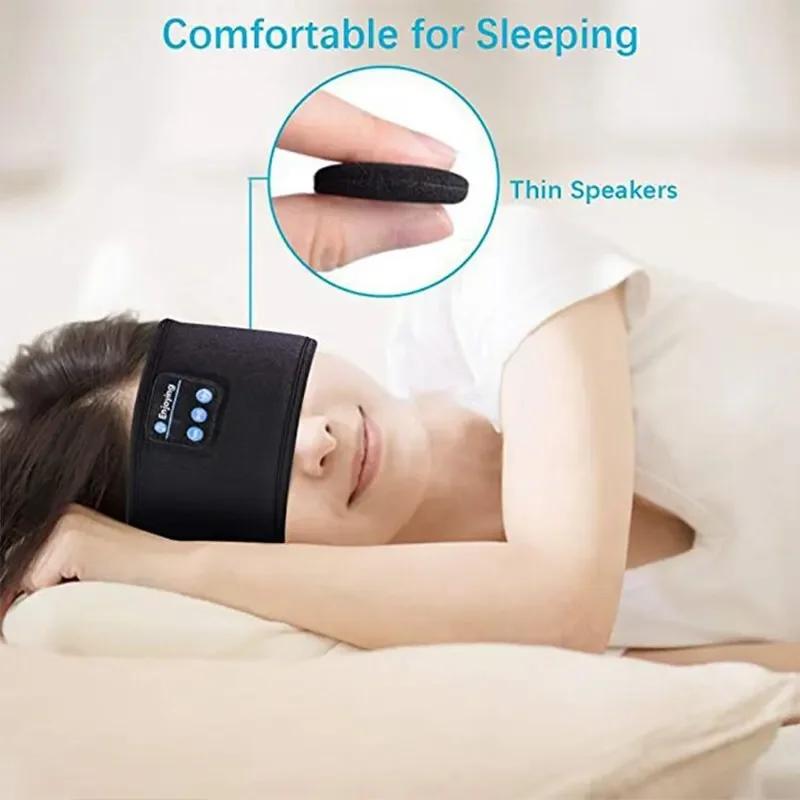
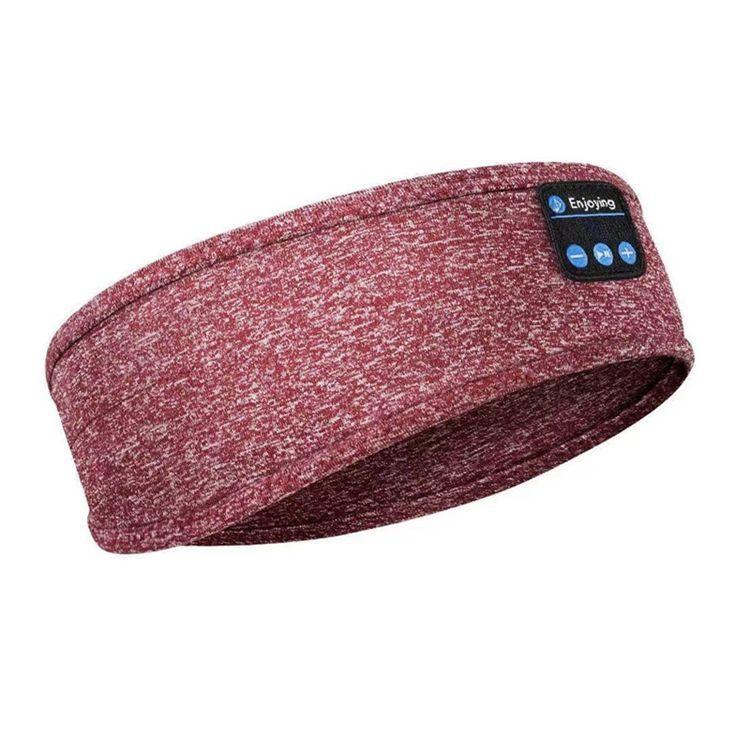
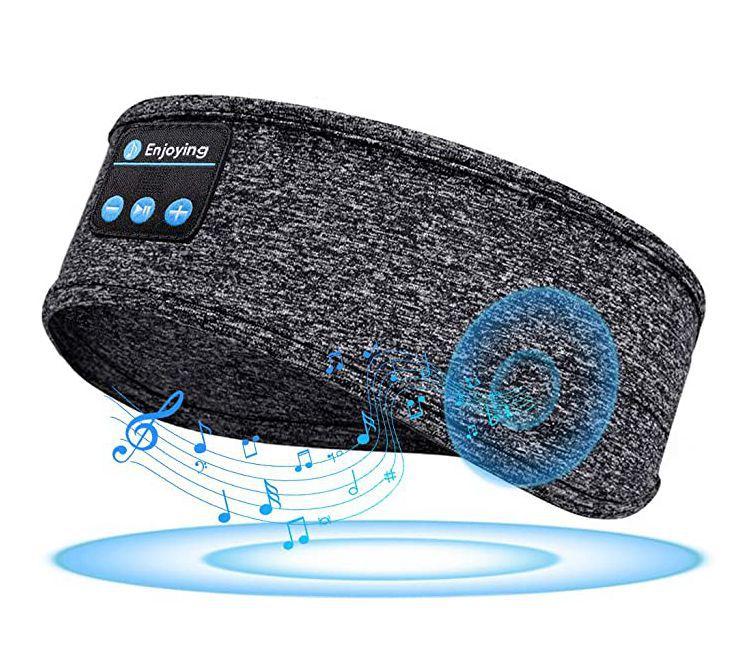
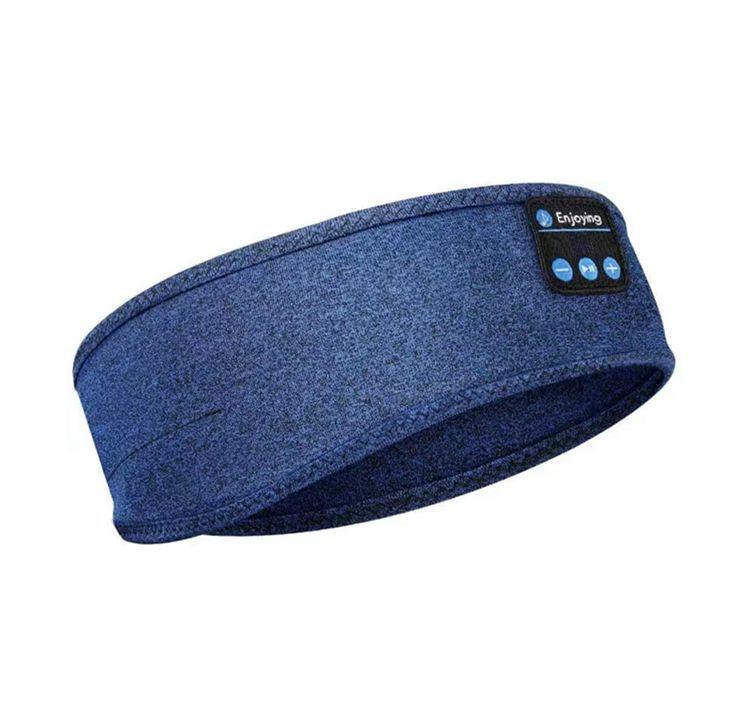
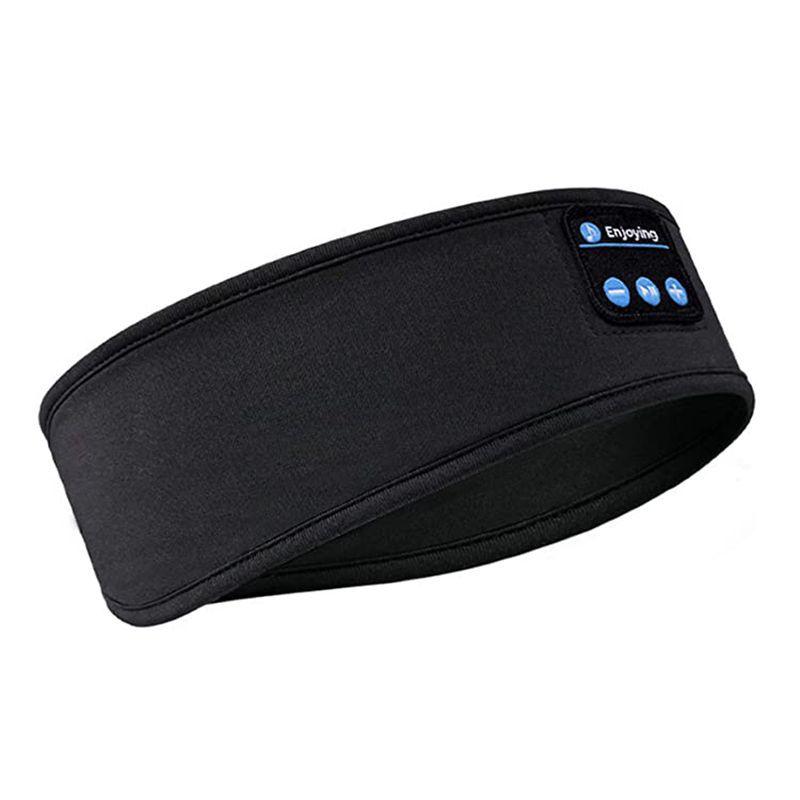
Function : Noise Reduction Sleep Aid
Is Batteries Included : Yes
Eyeshade Type : 3D Eyeshade
Type : Eyeshade
Img
Item Type : Sleep & Snoring
Origin : China
Matters Needing Attention
1. Please Keep Away From Acidic, Alkaline, And Pointed Items For Use And Storage
2. Please Keep The Equipment Dry
3. Please Keep The Equipment Clean And Add Desiccant After Use
4. Please Take Out The Headphones Before Washing
5. Do Not Disassemble, Modify, Or Modify The Equipment Separately
6. Do Not Throw Or Drop
Function Introduction
Insert The Usb Port Of The Micro Into The Headphones, And Then Connect The Usb Port Of The Usb
Data Cable To The Computer. At This Time, The Led Light Will Turn Red. When The Led Light Turns
Blue, It Indicates That The Wireless Hat Headphones Are Fully Charged. Please Unplug The Data Cable.
Power On
Press The Power Button For 2-3 Seconds, And The Wireless Earphone Led Lights Will Alternately
Flash Red And Blue.
Shut Down
In The Power On State, Press The Power On Button For 2-3 Seconds. When The Led Flashes Red For 3
Times, The Red Light Goes Out And The Wireless Headphones Are Turned Off.
Wireless Hat Wireless Connection Instructions:
Power On And Wireless Connection
1. Press The Power On Button For 2-3 Seconds, And The Led Lights Will Alternately Flash Red And
Blue. Turn On The Wireless Phone And Search For The Wireless Name "Bt-03S" To Pair. If The
Pairing Is Successful, The Next Time Wireless Headphones And Mobile Wireless
Are Used, They Will Automatically Connect Without The Need To Search For A New Connection.
Pause And Play
When Playing Music, Pressing The Power Button Once Is The Pause Function, And Pressing It Again
Is The Play Function. When A Phone Call Is Made, Pressing The Power Button Once Is The Answer
Function, And When A Phone Call Is Made, Pressing The Power Button Once Is The End Function.
When Connected To The Phone, Double Pressing The Power Button Is A Replay Call Function.
Long Press The Volume Down "-" To Decrease The Volume, Short Press The Volume Down "-" To
Decrease The Previous Song. Long Press The "+" Button To Increase The Volume, Short Press The "+""
Button To Increase The Volume, And It Will Be The Next Song.
Wirelessheadband Technicalparameters:
Wireless Version: 5.0
Wireless Pairing Name: Bt-03S
Wireless Solution:Blue Message
Wireless Transmission Distance: 10 Meters
Headphone Channel: Stereo (2.0)
We always pay attention to the durability and environmental friendliness of our products. Made of environmentally friendly and healthy materials, it reduces the burden on the environment and also creates a reassuring atmosphere for your life. The durable performance that has been repeatedly tested ensures that the product can stand the test of time, accompany your life for a long time, witness every warm moment, and create a comfortable, convenient and wonderful life experience for you.
We are well aware that environmental protection is not merely about the selection of materials, but also the implementation of the concept of sustainable development. During the production process, we are committed to reducing energy consumption, minimizing waste emissions, and using recyclable packaging materials to minimize the impact on the environment to the greatest extent. The combination of durability and environmental friendliness not only enables the product to have a longer service life, reducing resource waste caused by frequent replacement, but also allows you to enjoy a reassuring and comfortable life experience during use, while contributing to the green future of the Earth. Choosing our products means choosing a long-term commitment to quality and a dual protection of a better life and environmental protection