Specifications
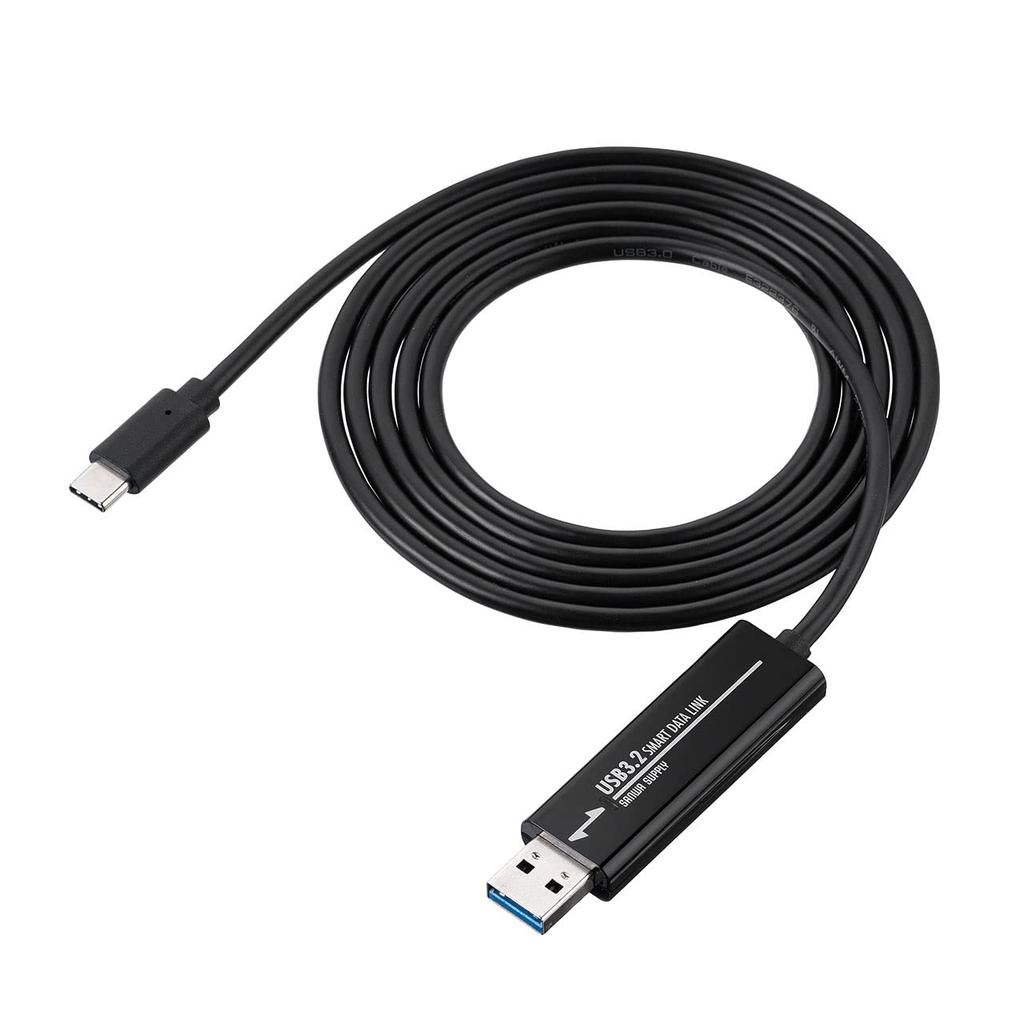
■ Cable Length: Approximately 1.5m
■ Weight: Approximately 50g
■ Interface Standard: USB Specification Ver. 3.2 Gen 1 (USB 3.1 Gen 1/USB 3.0) compliant (backward compatible with USB Ver. 2.0/1.1)
■ Communication Speed: 5Gbps when USB 3.2 Gen 1 (USB 3.1/3.0) is recognized, 480Mbps when USB 2.0 is recognized
*Communication speeds are theoretical values. Actual speeds will be slower.
■Connectors:
1 x USB 3.2 Gen 1 (USB 3.1/3.0) A-type male connector
1 x USB 3.2 Gen 1 (USB 3.1/3.0) Type-C-type male connector
■Current Consumption: Approximately 160mA (Maximum)
■Country of Origin: Taiwan
■Warranty Period: 6 months from date of purchase
■Instruction Manual: Included
<Compatible Models>
■Compatible Models: Windows (DOS/V) PCs, Apple Mac series
■Compatible OS:
Windows 11, 10, 8.1, 8, 7, Vista, XP
macOS 11-12, macOS 10.12-10.15, Mac OS X 10.8-10.11
*Computers with a USB Type-C female connector on one end and a USB A female connector on the other end, with USB port operation guaranteed by the computer manufacturer.
*To operate in a USB 3.2 Gen1 (USB 3.1/3.0) environment, your computer must have a USB 3.2 Gen1 (USB 3.1/3.0) Type-C port and a USB 3.2 Gen1 (USB 3.1/3.0) A port, and both computers must be connected to USB 3.2 Gen1 (USB 3.1/3.0) ports.
*Not compatible with USB 3.2 Gen2.
*USB 3.2 Gen1 is the same standard, a name renamed from USB 3.1/3.0 by the USB-IF (USB Implementers Forum).
*Not compatible with all computers and USB devices.
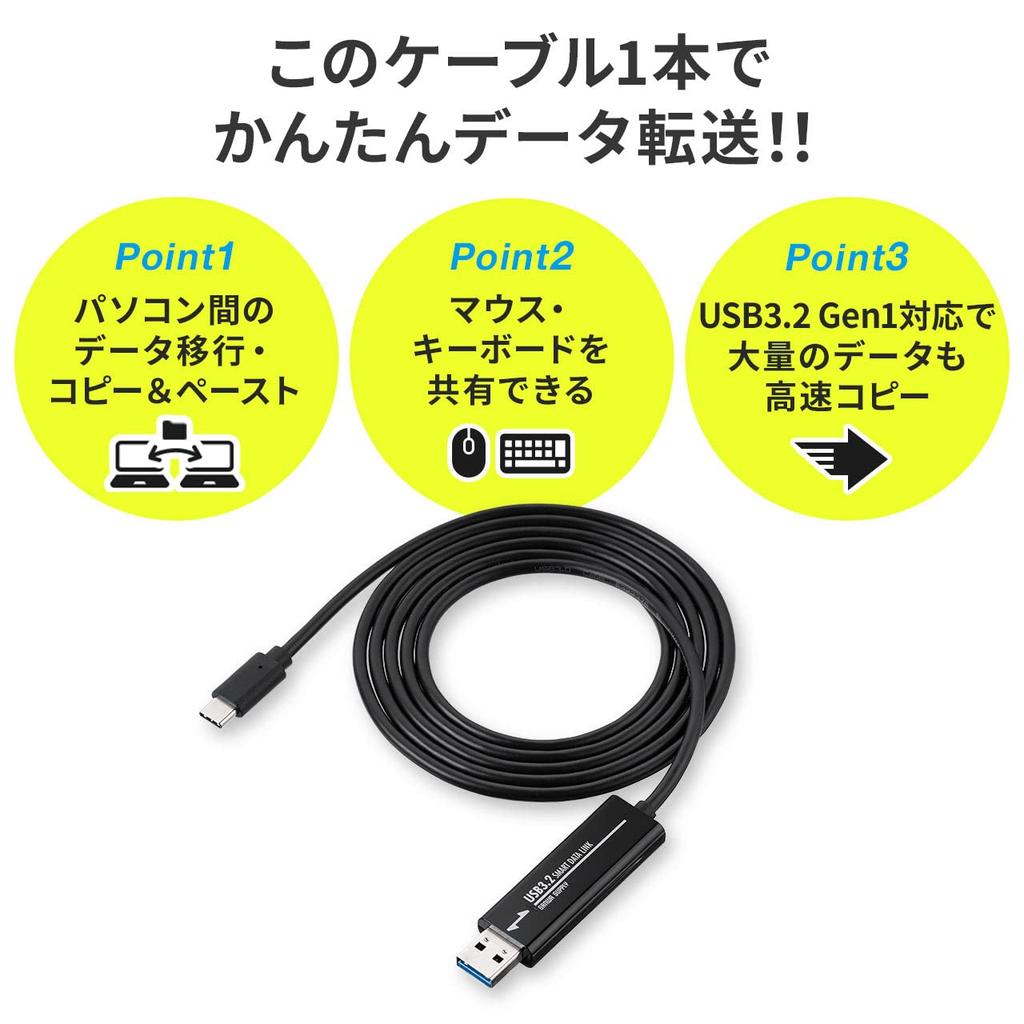
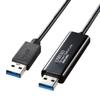
This USB 3.2 Gen1 link cable supports USB 3.2 Gen1, allowing for fast data transfer, even with large amounts of data. It connects via USB 3.2 Gen1 Type-C and USB 3.2 Gen1 Type-A, making it ideal for data transfers with computers that have USB Type-C connectors.
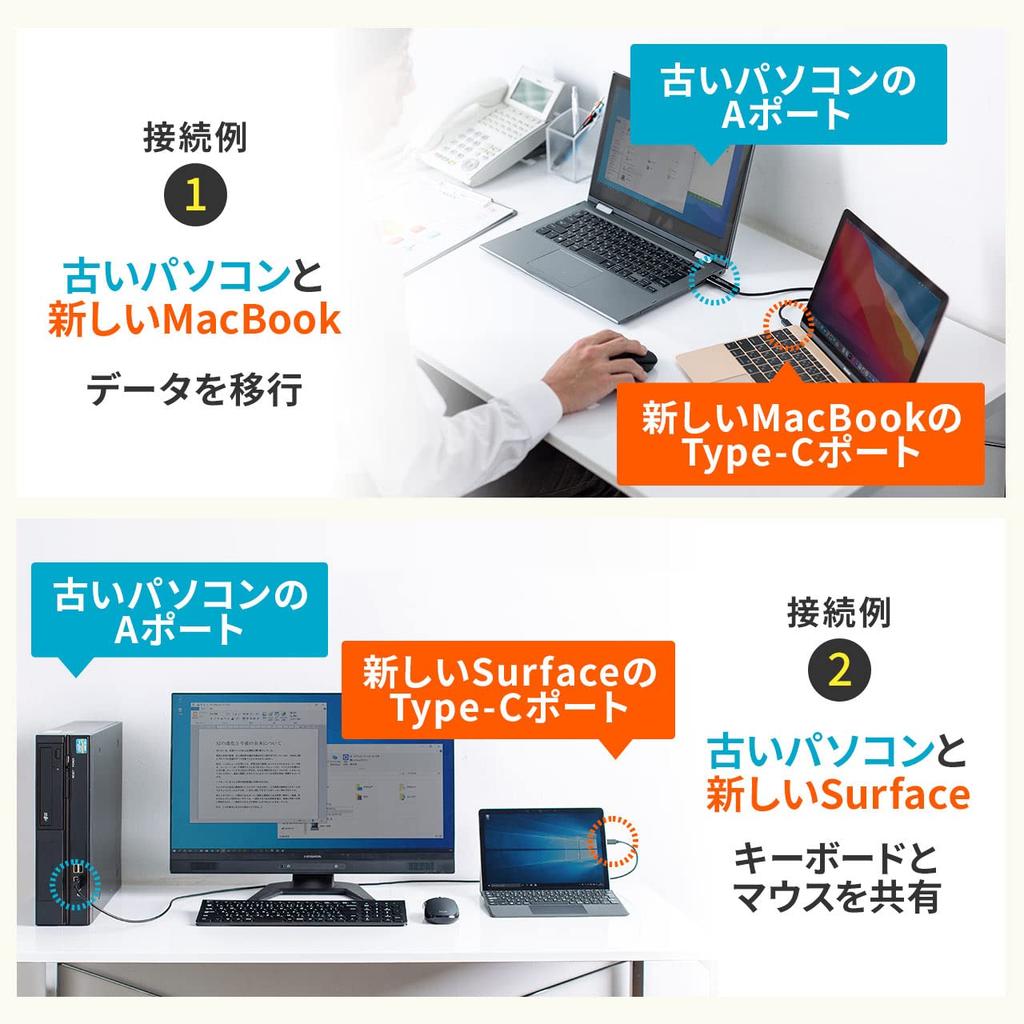
It is compatible with Mac and Windows, allowing for data transfers between Mac and Windows, Mac to Windows, and Windows to Windows.
Supports copy and paste between computers. Additionally, by moving the mouse cursor to the other computer, you can control the other computer using the mouse and keyboard of your main computer, so it can also be used as a keyboard/mouse switcher.
It's also ideal for transferring data and operating with computers that don't have a keyboard or mouse, such as tablet PCs. (Windows OS only. (iPad is not supported.))
The driver is stored in the link cable, so it can be automatically installed on the first computer you connect. This allows for instant data linking even when you need it on the go. (Note: If security settings or USB port usage restrictions are in place, or if application launch and installation are restricted, you may not be able to install or operate this product's driver. For details, please contact your computer administrator.)