---------------------------------------------------
【Condition】
Please check the product description and photos for the condition.
Some items may have not been tested or may show signs of use.
【Included Items】
Accessories are limited to those shown or mentioned in the product description.
Items such as manuals, boxes, or cables are not included unless specifically stated.
【Product Specifications and Firmware】
Some Japanese domestic models may have limited functionality overseas.
Please check compatibility before purchase.
【Voltage Compatibility】
Our products are selected to support international voltage ranges (e.g. 100–240V).
However, please make sure your local voltage is compatible before use, as incorrect voltage may still cause malfunction.
【Plug Type】
Our products use Japanese plug types (A or B type).
Please use a conversion adapter if necessary.
【Important Note on Transformers and Adapters】
A transformer adjusts voltage to match your device’s requirements.
A conversion adapter only changes the plug shape and does not adjust voltage.
Using only a conversion adapter without a transformer may result in damage to the product.
【Liability】
We are not responsible for malfunctions or damages caused by improper use, such as operating the product without appropriate voltage or equipment.
---------------------------------------------------
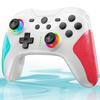
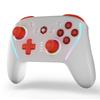
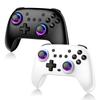
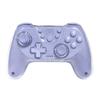
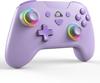
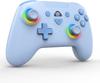
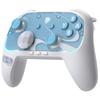
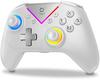
🎮【Switch Exclusive】This latest controller is specially designed for the Switch and is compatible with Switch/Switch Lite/Switch OLED. This controller can be used with any Switch model.
🎮【Bluetooth & Wired Connection】This T37 Switch controller has two connection modes. You can connect to Switch/Switch Lite/Switch OLED using Bluetooth, or connect it via a wired connection to Windows XP/11/10/8.1/8/7, allowing you to use this controller with multiple devices. The controller can remember the host once it has been connected. If the host is powered on, you can reconnect with just a light touch. 【Note】: A wired connection is required to connect to a PC.
🎮【Turbo Rapid Fire Function】: The controller features a Turbo rapid fire function, making it easier to play shooting games, action games, arcade games, etc., and improving the gaming experience. There are three rapid fire speeds: 5 shots/second, 12 shots/second, and 20 shots/second. You can adjust the number of rapid fires according to the game and your usage habits.
🎮【6-Axis Gyro Sensor】: The Switch controller is equipped with a 6-axis gyro sensor, which can clearly detect the direction of movement and tilt trajectory of the controller. This allows you to immerse yourself in the scene while playing the game, making the gaming experience more realistic. As a result, you can take quick actions in the game.
🎮【Vibration Function】: The controller has a vibration function and features dual vibration, making the gaming experience more realistic. The vibration intensity of the Switch controller can be selected from four levels: 0%, 30%, 70%, and 100%.
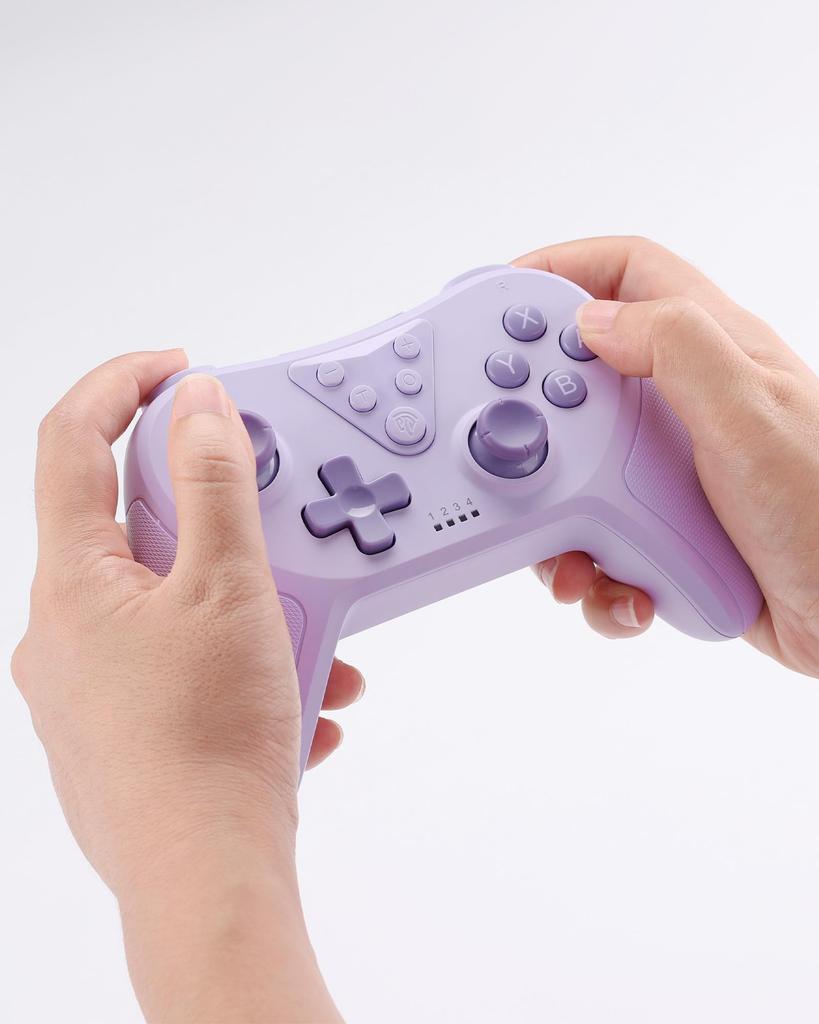
🎮【Ergonomic Design】This Switch controller is ergonomically designed to fit comfortably in your hand. It's lightweight and easy to hold, making it comfortable and less tiring even during long gaming sessions.
🎮【Japanese Instruction Manual Included】The package includes a Japanese instruction manual, so you can use it with confidence. ★【Warranty】An 18-month warranty is included. We take every precaution to ensure quality, but in the unlikely event of defects, damage, incorrect delivery, or malfunctions under normal use, we will replace it free of charge. If you have any questions after purchase, please do not hesitate to contact us, and we will respond promptly.
🎮【Wake-up Function】: Once the controller is connected to the host, it can remember the connection. If the host is powered on, you can reconnect with just a light touch. If the controller's HOME button is on, it will automatically connect to the host. You can connect with just one key, so you can return to the game world instantly.
Switch/Switch Lite/Switch OLED Console Pairing Procedure Step 1: Turn on the console, click the [Settings] button → turn off Airplane Mode → turn on the Wireless Connection switch. Step 2: Enter the console's wireless pairing mode, click the Controller button on the homepage → change the grip/order. Step 3: Press and hold the HOME button for 3 seconds until the controller's LED indicator lights 1-4 (LED1-LED4-LED1) change from slow to fast, entering wireless pairing mode. Connecting to a PC (Note: A wired connection is required to connect to a PC.) 1. This controller supports PC games in Windows X-input mode. 2. PC X-input, which supports games, can be operated by connecting the controller to the PC via a USB data cable. (In PC X-input mode, LED2 light will be on, it will always be on when fully charged, and the LED will blink while charging.) Connect to a PC via a USB data cable.
1. When connected, the Windows system will automatically install the drivers. 3. Steam: When connected to the PC, Steam will open, automatically recognize the device in Steam mode, and the LED1 light will illuminate.




 Remboursement en cas de non-livraison
![Pour Switch 2 Compatible avec Switch Turbo Rapide Arrière Macro RVB Gyro HD Bluetooth Compatible avec Manuel d'Instructions Japonais Inclus [Nouveau 2025]](https://img.joomcdn.net/3bfb06606bbd7942956b90950a5ddd7654727eb7_100_100.jpeg)